
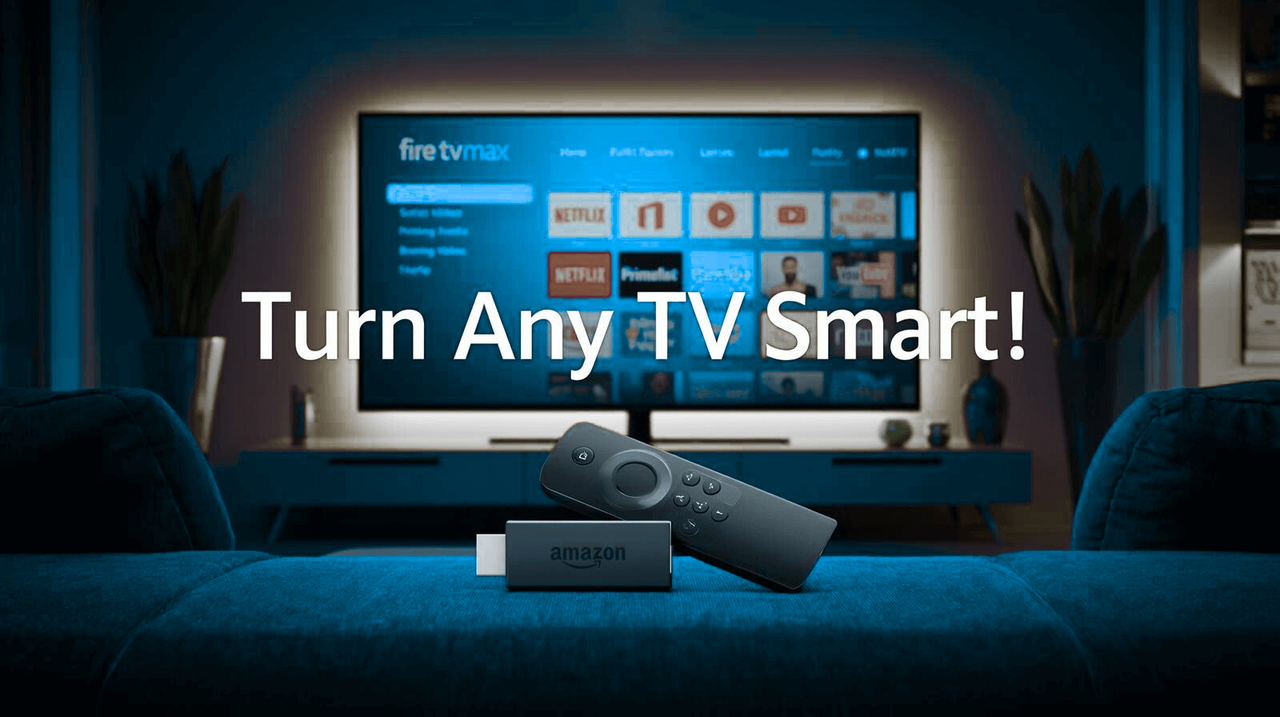
This hands-on guide walks you through everything the Fire TV Stick 4K Max offers in 2025 — from picture and sound tech to real-world performance, comparison with rivals, setup tips and a practical FAQ. Short answer: if you want smart TV power without buying a new set, this tiny stick packs a big punch.
What is the Amazon Fire TV Stick 4K Max?
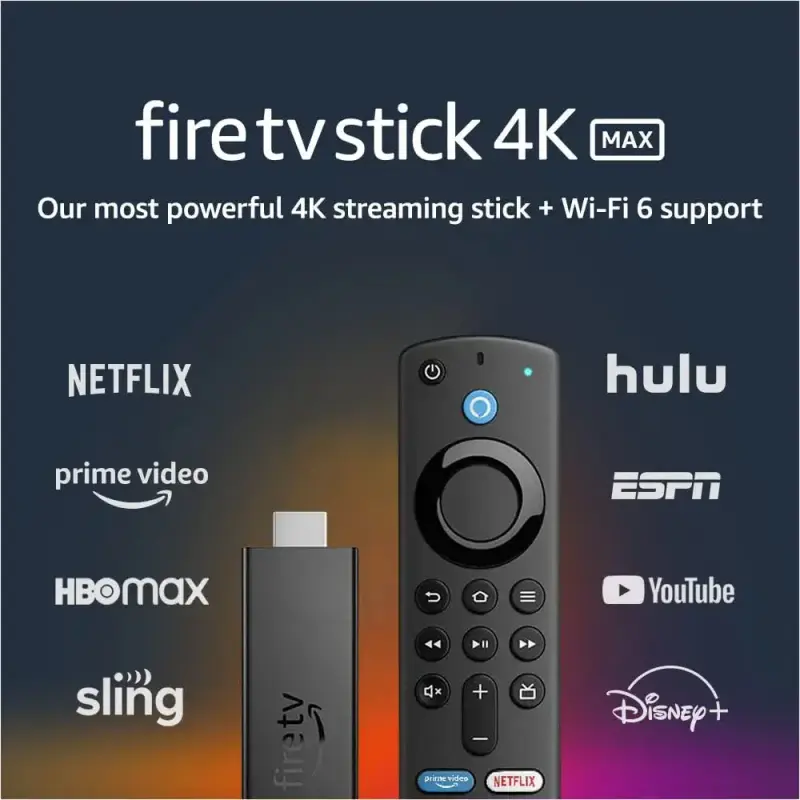
The Amazon Fire TV Stick 4K Max is a pocket-sized streaming player that plugs into any HDMI TV and unlocks apps like Netflix, Prime Video, Disney+, YouTube and many more. It upgrades regular TVs to a modern smart platform with fast app launches, Alexa voice control and support for high-end video and audio formats — all without replacing your screen.
Pro tip: because it’s portable you can bring it on trips and keep your profile, apps and settings with you — hotel TV becomes your TV in minutes.
Key Features — Deep Dive
Beyond the headline specs, here’s what matters day-to-day:
- 4K Ultra HD & HDR: The 4K Max streams in Ultra HD and supports HDR formats (HDR10+, Dolby Vision). In practice this means brighter highlights, deeper shadows and richer color on compatible TVs.
- Dolby Atmos audio support: When paired with a compatible soundbar or AV receiver you’ll get immersive audio that feels wider and more cinematic.
- Powerful processor: A faster CPU and more responsive memory translate to quicker app launches, smoother menus and less stutter during navigation or fast-forwarding.
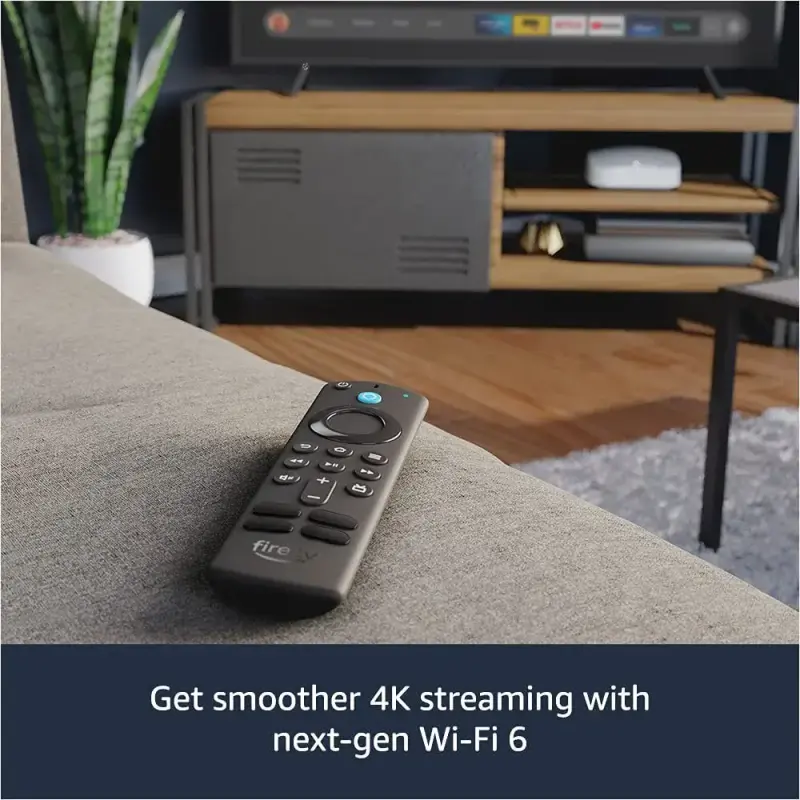
- Wi‑Fi 6 compatibility: If your router supports Wi‑Fi 6, expect more stable 4K streaming on crowded home networks — fewer buffering pauses during peak usage.
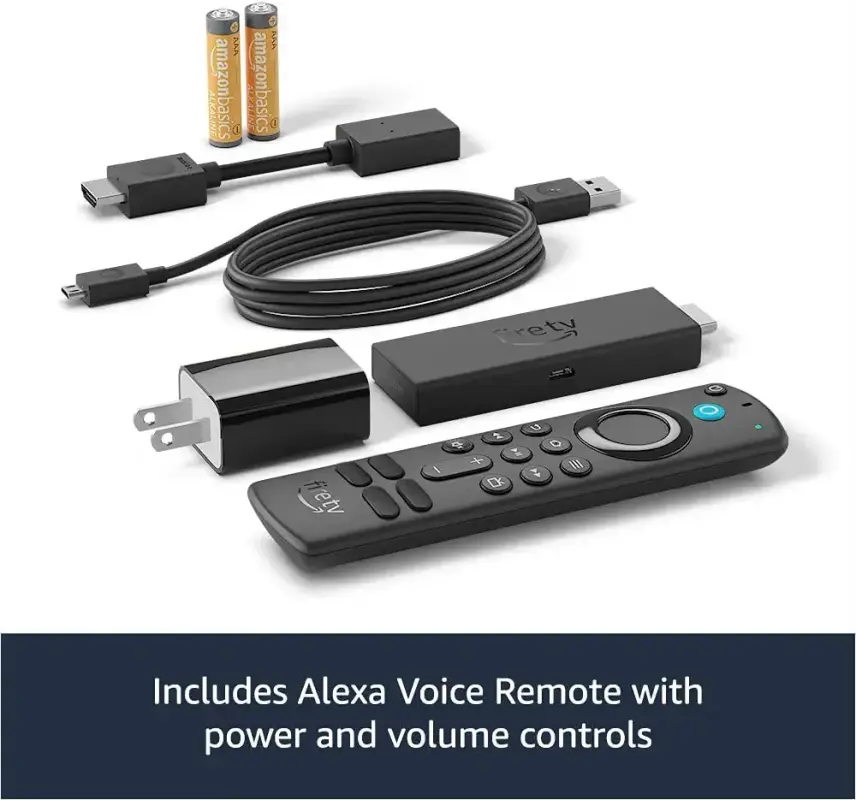
- Alexa voice remote: Search by voice, control playback, or even ask Alexa to dim smart lights while your show plays. (Yes, lazy mode.)
Performance & Real‑World Speed
Benchmarks are boring; user experience is not. The 4K Max feels noticeably snappier than older sticks: app launches are shorter, scrolling through menus is smoother and 4K streams maintain quality on stable connections. Expect quicker resume times for shows and fewer “loading” screens compared to standard sticks.
Internet speed note: For consistent 4K playback we recommend at least 25 Mbps per stream; if multiple devices share your network, bump that figure accordingly.
Interface, Alexa & Smart Home Integration
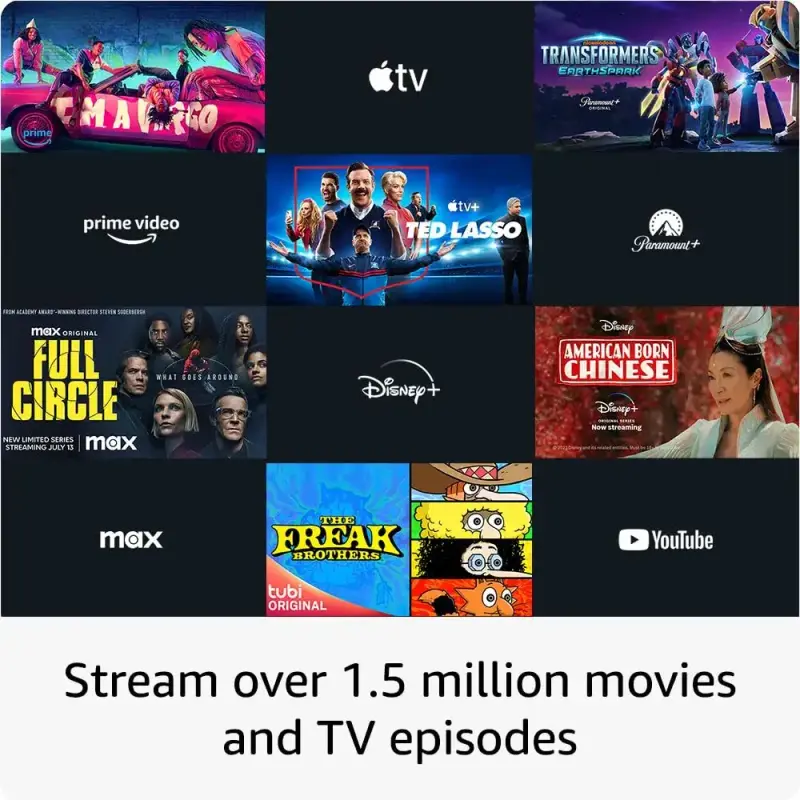
Fire OS offers a content-forward home screen with recommendations. Alexa integration is more than search: use voice to open apps, play playlists, control compatible smart lights and even check security cameras. If you already use Amazon Echo devices, the Fire TV fits naturally into that ecosystem.
Tip: Say “Alexa, play [show name] on Netflix” and watch the magic. If the skill is available, Alexa will even search across services.
Comparison — Fire TV Stick 4K Max vs. Roku, Chromecast & Apple TV
| Feature | Fire TV Stick 4K Max | Roku Streaming Stick 4K | Chromecast w/ Google TV |
|---|---|---|---|
| Voice Assistant | Alexa (deep Amazon integration) | Roku Voice | Google Assistant |
| Interface | Content-driven, Amazon promos | Neutral, app-first | Content-centric, Google recommendations |
| Best for | Prime users & Alexa homes | Simple, ad-light experience | Android & Google ecosystem fans |
Choose Fire TV if you value Amazon integration and Alexa. Choose Roku if you want a neutral, straightforward UI. Choose Chromecast for tight Google/Android features. Each device is excellent — it’s mostly about ecosystem preference.
Practical Use Cases
Here are common ways people use the 4K Max:
- Movie nights: Stream 4K films with HDR and Dolby Atmos for a theater-like feel at home.
- Travel & portability: Plug it into a hotel TV and keep your profile and apps with you.
- Gaming & cloud play: Light games run fine; cloud gaming services are supported depending on region.
- Smart home control: Use the TV as a control surface for lights, cameras and routines.
Troubleshooting & Tips
- Use the supplied power adapter — some TV USB ports can underpower the stick and cause instability.
- Switch to 5 GHz Wi‑Fi for less interference and better 4K performance.
- Keep Fire OS updated; small updates often fix playback and security issues.
- If the remote lags, re-pair it or replace batteries with fresh alkaline cells.
FAQ
- Does it require subscription? No — the device doesn’t force a subscription, but streaming services like Netflix or Disney+ require their own accounts.
- Can it replace a smart TV? Functionally yes — for streaming and smart features, but native TV apps for certain manufacturers may differ.
- Is the device region‑locked? Some apps and services vary by country; check availability in your Amazon account region.
Final Recommendation
For most users in 2025 the Amazon Fire TV Stick 4K Max strikes the best balance between price, performance and ecosystem features—especially if you’re already invested in Amazon’s services or use Alexa at home. It’s portable, powerful and convenient.